Data loss can happen without warning due to hardware failure, accidental deletion, malware, power surges, or physical damage. When valuable files are at stake, many individuals and businesses search for affordable Data Recovery Services. While low-cost options may appear attractive, choosing solely based on price can lead to greater financial losses and reduced chances of recovering important data.
Professional data recovery is a technical process that requires advanced tools, controlled environments, and skilled engineers. Understanding what separates reliable providers from budget services can help protect your data and avoid costly mistakes.
What Are Data Recovery Services?
Data Recovery Services involve retrieving inaccessible, deleted, corrupted, or lost data from storage devices such as:
Hard Disk Drives (HDDs)
Solid State Drives (SSDs)
External Hard Drives
USB Flash Drives
Memory Cards
RAID Storage Systems
Network Attached Storage (NAS)
Recovery methods vary depending on whether the failure is logical (file system corruption, accidental deletion) or physical (mechanical damage, water exposure, electrical failure).
Why Extremely Cheap Services Can Be Risky
1. Limited Equipment and Technology
Professional recovery laboratories use specialized imaging hardware, firmware repair tools, and diagnostic software designed for damaged storage devices. Budget providers may rely only on consumer-grade software, which is ineffective for many physical failures.
2. Lack of Cleanroom Facilities
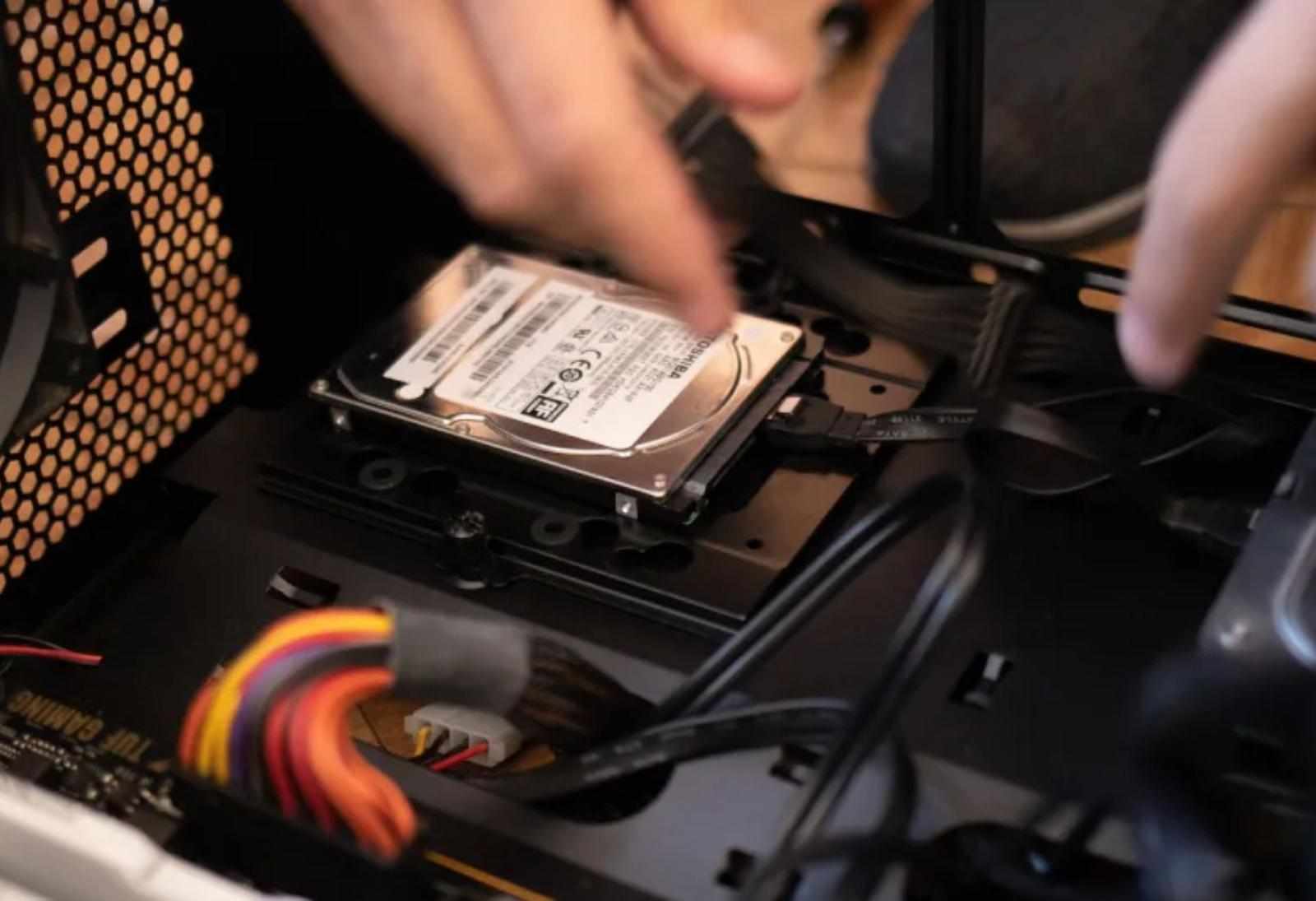
Opening a damaged hard drive outside an ISO-certified cleanroom exposes internal components to dust and contaminants. Even microscopic particles can scratch magnetic platters, making data permanently unrecoverable.
3. Inexperienced Technicians
Recovering data from damaged drives requires expertise in storage technologies, firmware, file systems, and electronics. Incorrect repair attempts can worsen the damage and reduce the likelihood of successful recovery.
4. Hidden Charges
Some low-cost providers advertise very low prices but later add fees for diagnostics, replacement parts, expedited service, or recovered data transfers. Reviewing pricing policies beforehand helps avoid unexpected costs.
What to Look for in Data Recovery Services in Los Angeles
When evaluating providers, consider the following factors:
Experience with HDD, SSD, RAID, and NAS recovery
Transparent pricing and diagnostic process
Secure handling of confidential data
Positive customer reviews
Certified cleanroom access for physical repairs
Clear communication about recovery expectations
These factors are often better indicators of quality than price alone.
The Long-Term Cost of Choosing the Wrong Provider
An unsuccessful recovery attempt can result in:
Permanent loss of personal photos and videos
Loss of business documents or financial records
Increased recovery costs after additional damage
Extended downtime for businesses
Reduced chances of recovery by specialized laboratories
In many cases, attempting multiple low-cost recoveries ultimately costs more than selecting an experienced provider from the beginning.
Best Practices Before Seeking Data Recovery
To maximize the chance of successful recovery:
Stop using the affected storage device immediately.
Avoid installing recovery software on the same drive.
Do not open damaged hard drives yourself.
Keep the device in a safe, dry environment.
Consult a qualified recovery specialist if the drive makes unusual noises or is not detected.
Conclusion
Choosing the cheapest Data Recovery Services can be a costly mistake when important data is involved. Reliable recovery depends on specialized equipment, technical expertise, and proper handling procedures—not simply the lowest price. For individuals and businesses in Los Angeles, evaluating a provider's experience, transparency, and recovery capabilities offers better long-term value and improves the likelihood of successfully recovering valuable information.
Frequently Asked Questions
1. Why do Data Recovery Services vary so much in price?
Pricing depends on the type of storage device, the severity of damage, required equipment, cleanroom procedures, and the complexity of the recovery process.
2. Can all lost files be recovered?
No. Recovery success depends on factors such as physical damage, overwritten data, encryption, and the condition of the storage device.
3. Is software enough to recover lost files?
Software may recover files after accidental deletion or formatting, but it cannot repair mechanical failures or damaged electronics.
4. Why shouldn't I open a hard drive myself?
Hard drives are extremely sensitive to dust and contamination. Opening one outside a cleanroom can permanently damage the platters.
5. When should I seek professional Data Recovery Services?
If your drive is making clicking sounds, is not recognized by your computer, has suffered physical damage, or contains critical data, professional evaluation is recommended before attempting recovery.


Write a comment ...